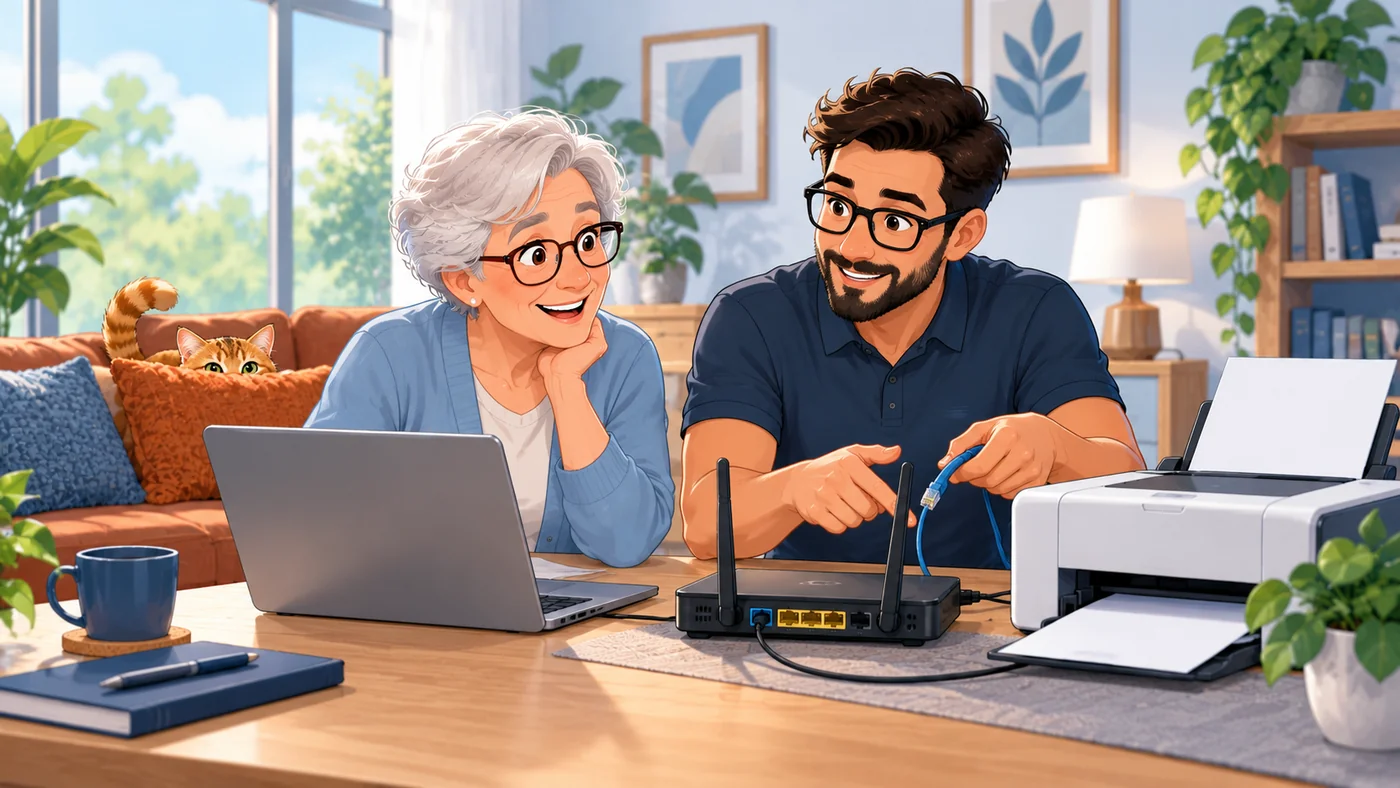
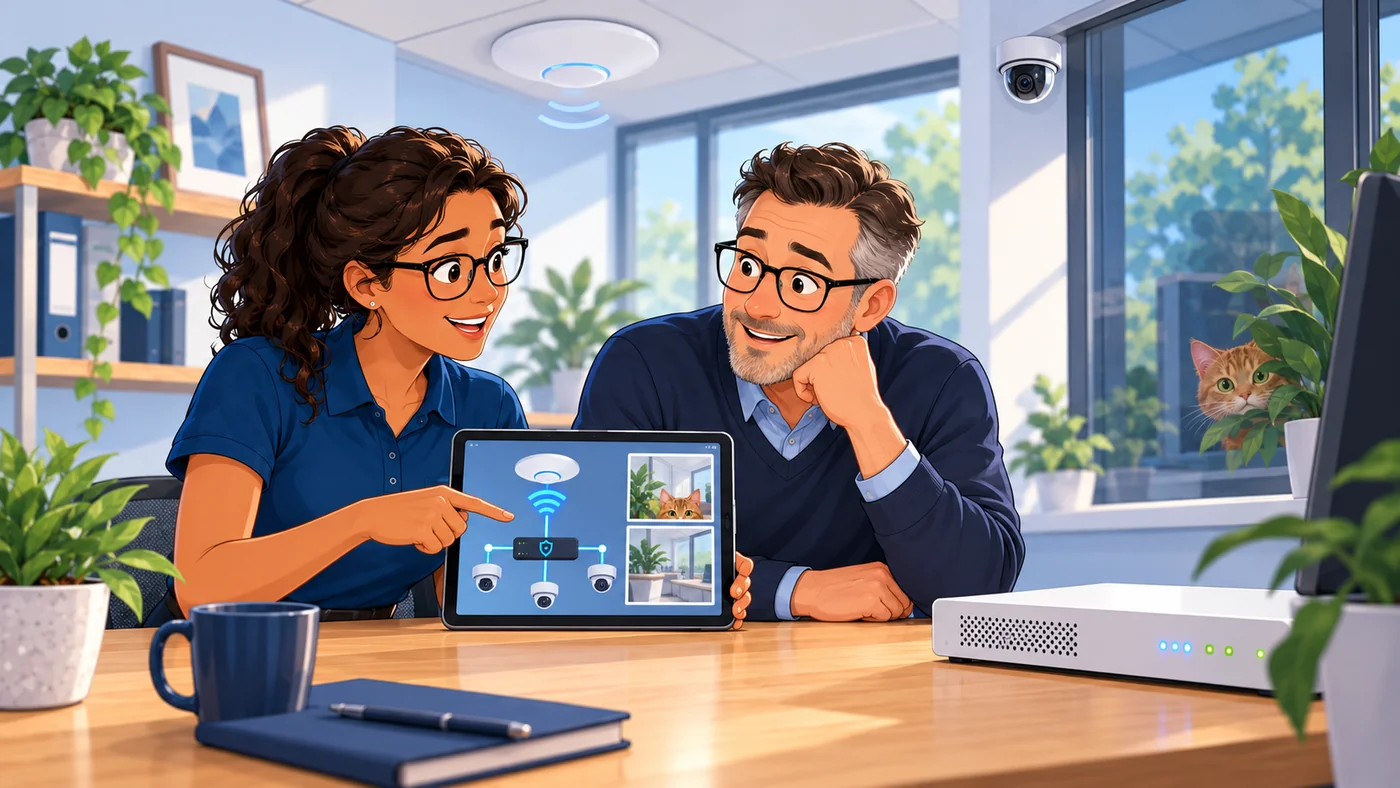
A little side quest: can you spot our ginger cat in the illustrations? The technology is in good hands.
NETWORKSNetworks & file servers
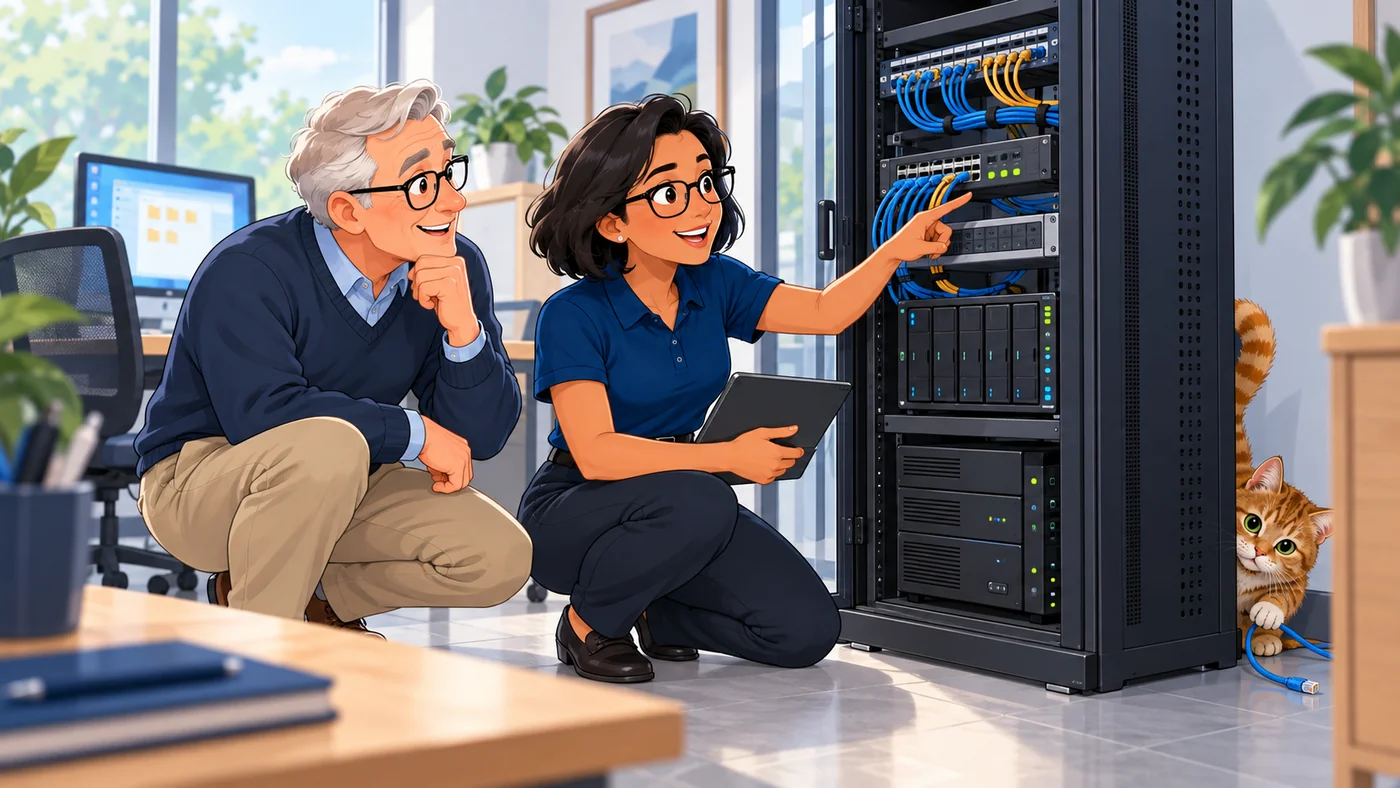
One shared set of files, rather than copies scattered across devices. I install and administer local networks and file servers with central storage, including for mixed operating systems.
- Central file storage
- Appropriate access permissions
Discuss your network ↗LAN · FILE SERVERS · FILE SHARING
 DESKTOP COMPUTING
Windows PCs
A workstation is only ready when you can actually work on it. I set up your Windows PCs, the software and connected devices you need, and access to your network resources.
- Software and devices set up
- Access to network resources
Plan your workstation ↗WINDOWS · SOFTWARE · PERIPHERALS
 REMOTE ACCESS
VPNs & remote working
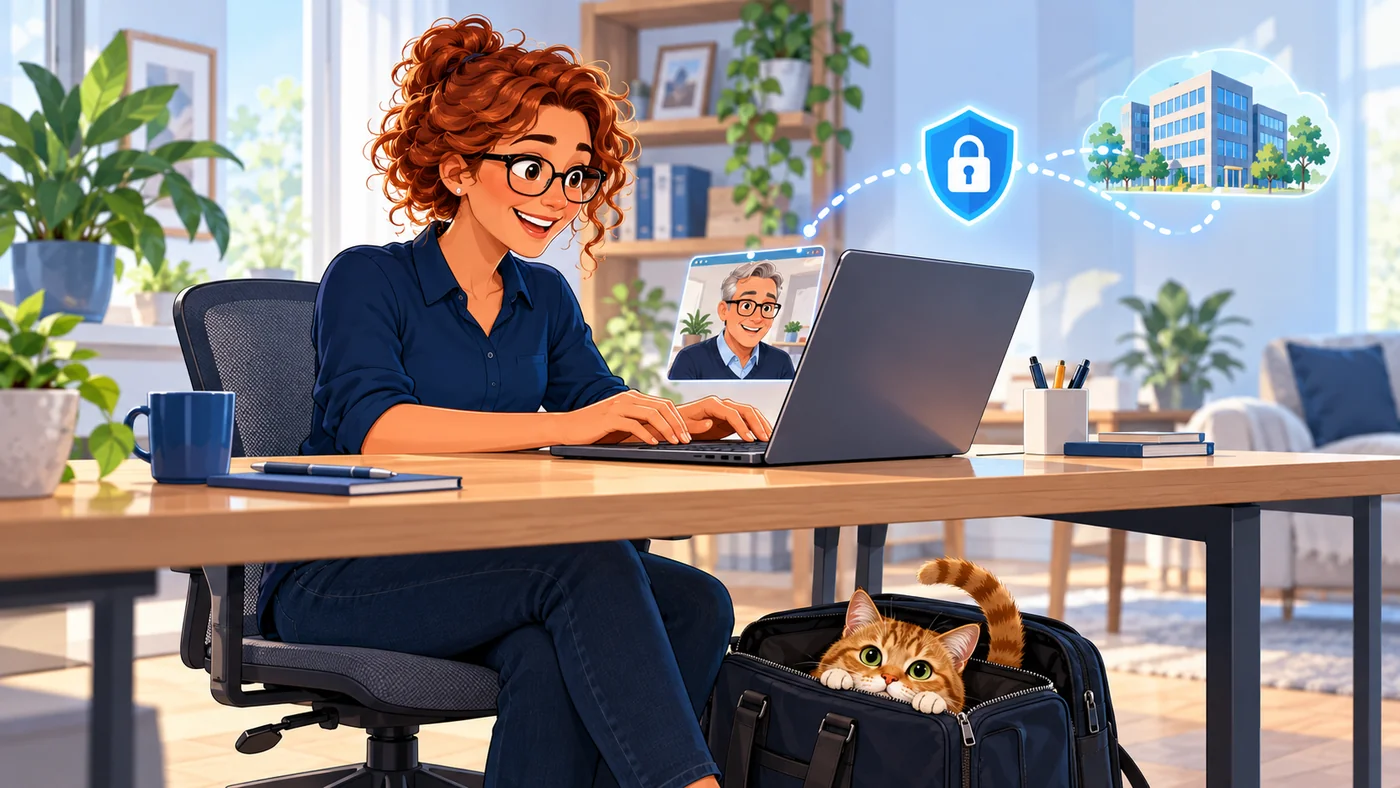
Work from home without emailing important files back and forth. I set up VPN access so you can reach your own network and data over an encrypted connection.
- An encrypted connection
- Access tailored to your needs
Plan your VPN setup ↗VPN · WORKING FROM HOME · REMOTE ACCESS
 DATA BACKUP
Backup & recovery
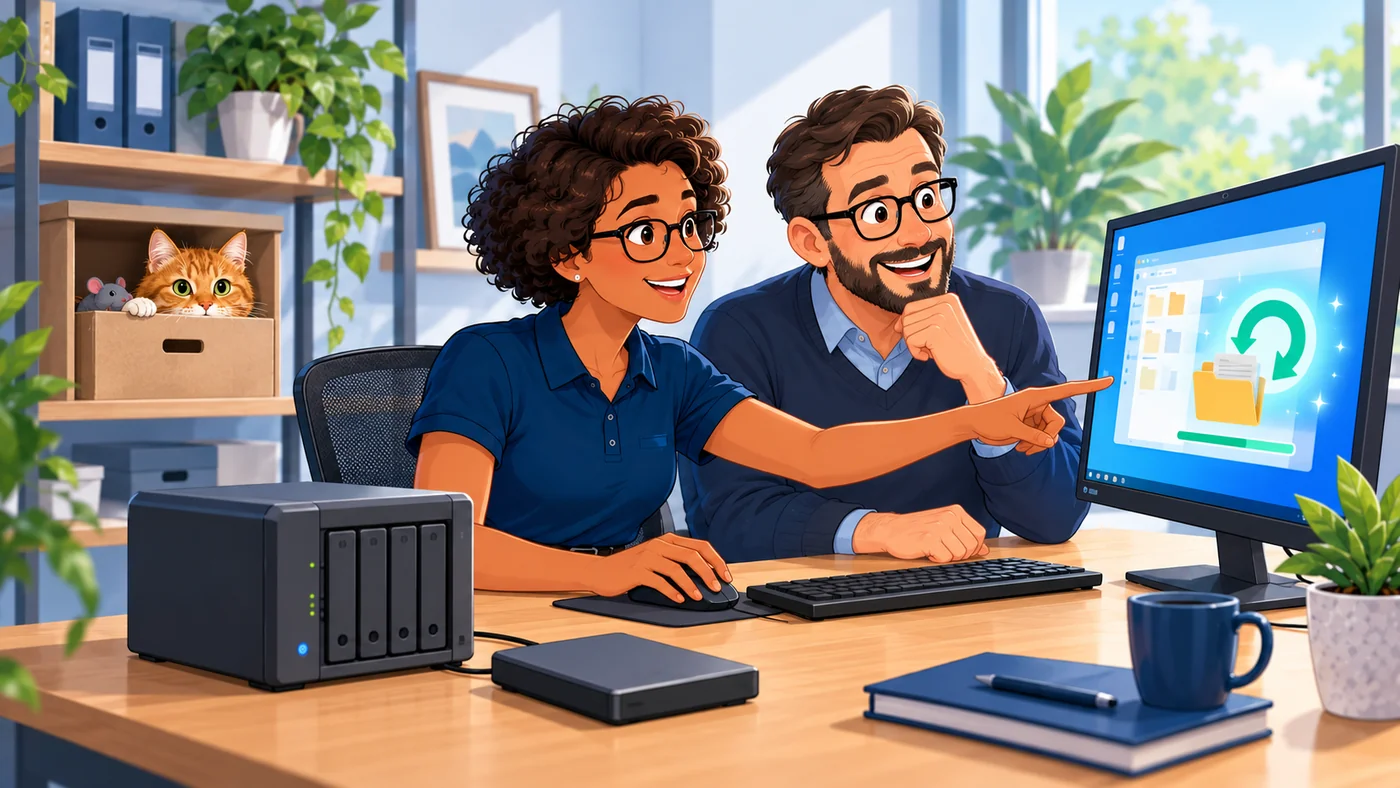
A backup earns its keep when you can restore your files. I plan and configure backups around the way you work, and check the recovery process with you.
- Plan the backup process
- Check that recovery works
Discuss your backups ↗BACKUPS · DATA PROTECTION · RECOVERY
 UNIFI
UNIFIUniFi hardware
Wi-Fi, firewalls and cameras need to suit your space. I configure UniFi hardware and tailor network settings, access and IP cameras to your existing equipment and requirements.
- UniFi hardware setup
- Wi-Fi, firewalls and IP cameras
Discuss your UniFi setup ↗UNIFI · FIREWALLS · WI-FI · IP CAMERAS
 AT HOME
Home technology setup
The new router has arrived. So has the printer. Now they need to work. I set up everyday home technology and help your devices work together.
- Routers, printers and computers
- Setup and configuration
Get help with setup ↗ROUTERS · PRINTERS · COMPUTERS & ACCESSORIES